
How to Log In to KwickPOS
POS BasicsLogging into the system is the second step. Follow this step-by-step guide to ensure a smooth login process.
Step 1: Gather Your Credentials
- Before you start, make sure you have the following information:
- Password or Access Card: This should also have been provided or set up by you during your initial setup.
Step 2: Enter Your Credentials
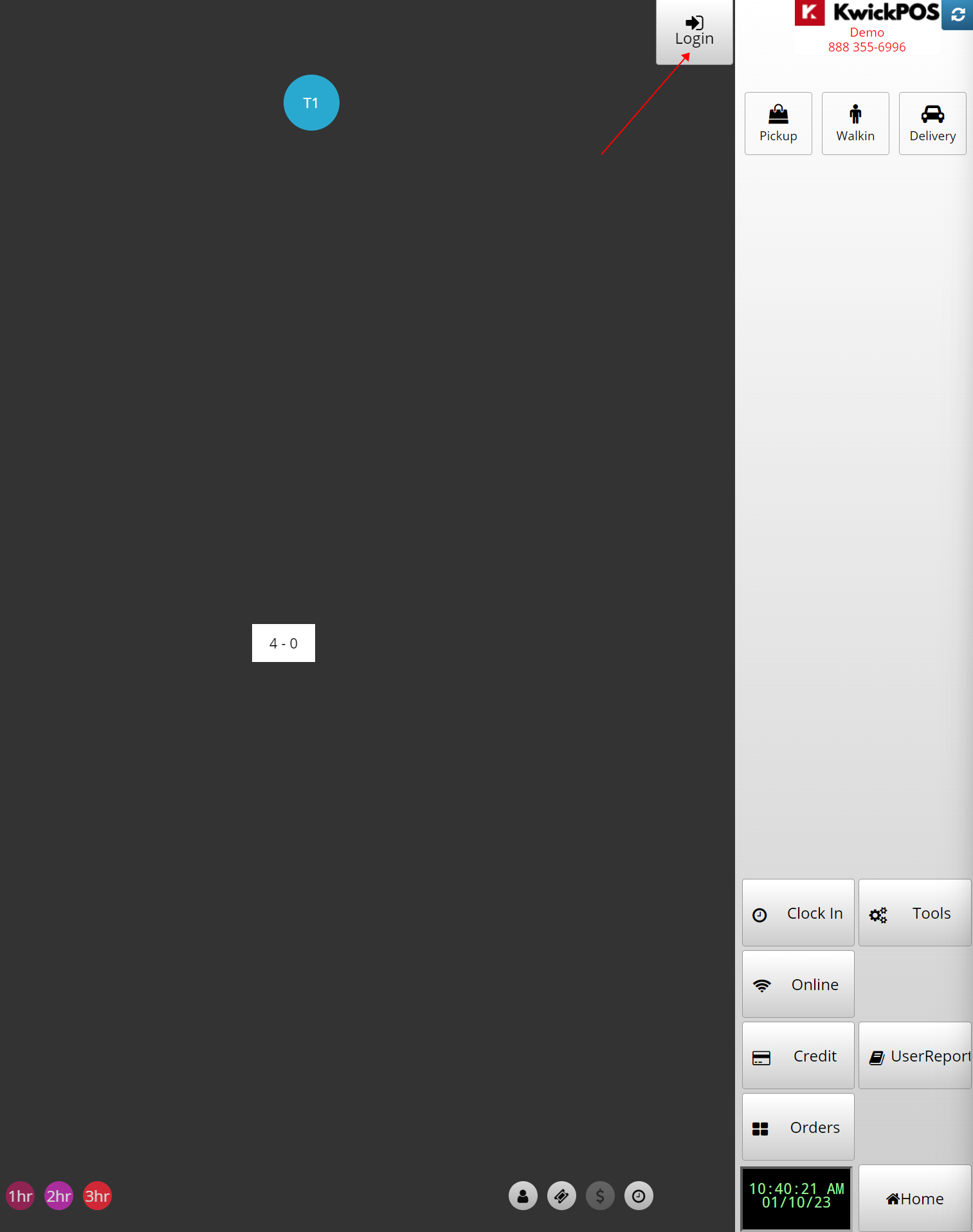
- Go to Login
- There are 2 ways to Login
- Passcode
- Access Card
- If you tap on the Login again, it will log you out.
Contact Support
Support Line: (888) 355-6996 (option 1)
Still need a hand?
Our 24/7 support team can walk you through it.
Call (888) 355-6996