
Combining Tickets
POS Basics- Combining Tickets:
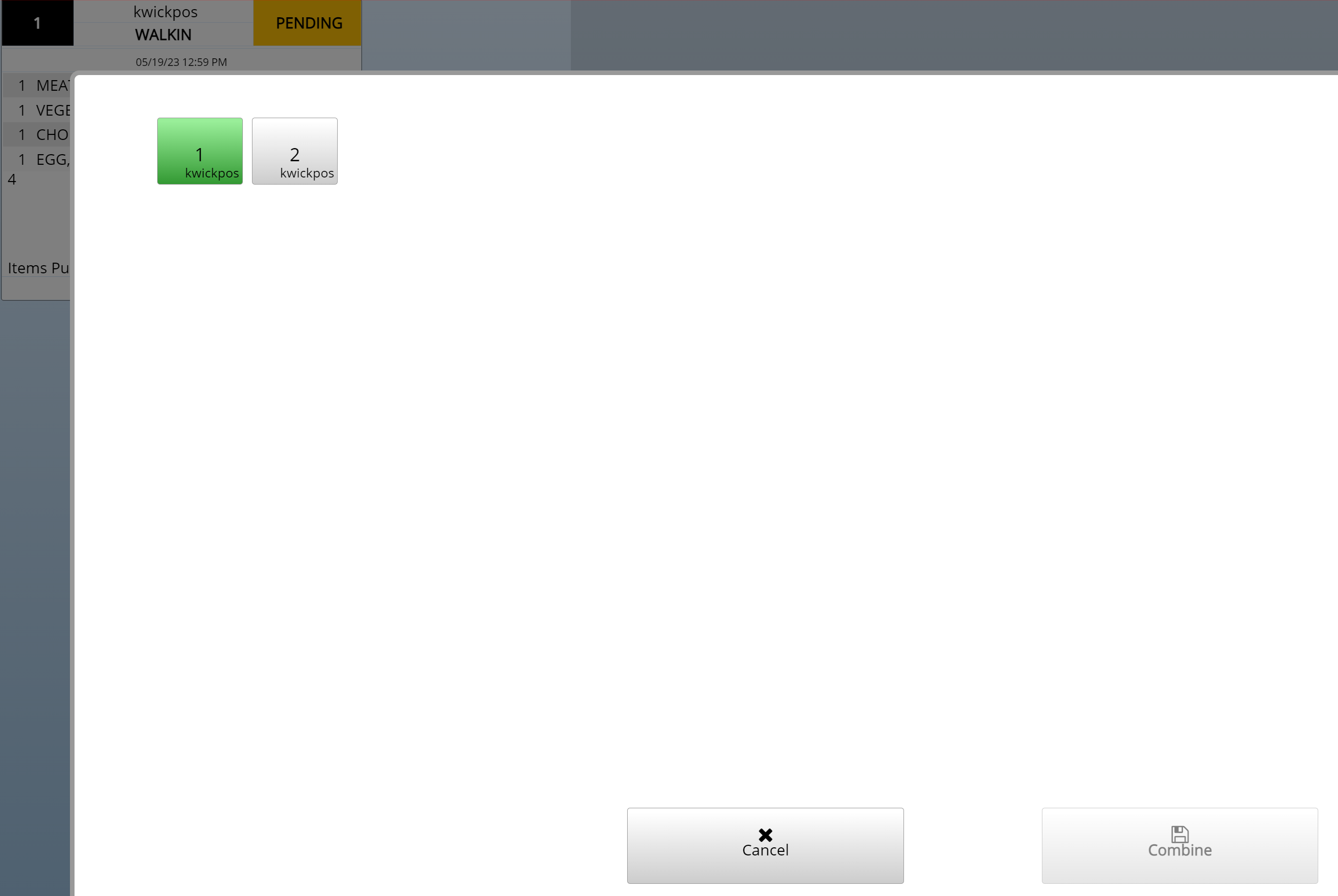
- If you would like to combine different tickets together, you can combine them
- Go to Orders->Select Order->Combine->Select order to combine with ->Combine
- Combine Table:
- Tools->Back Office->Advanced->System->General->Combine Table
- Yes: Enabled the Table Combine button after clicking on an open order and then clicking Table Change
- No: Disables Table Combine
- Permanent Combine:
- Tools->Back Office->Advanced->System->General->Permanent Combine
- Yes: Multiple tickets are permanently combine into one, the original ticket disappears
- No: Commission split; Click Combine, then click Combine Pay (tips for separate users are preserved)
Still need a hand?
Our 24/7 support team can walk you through it.
Call (888) 355-6996