
Discounts
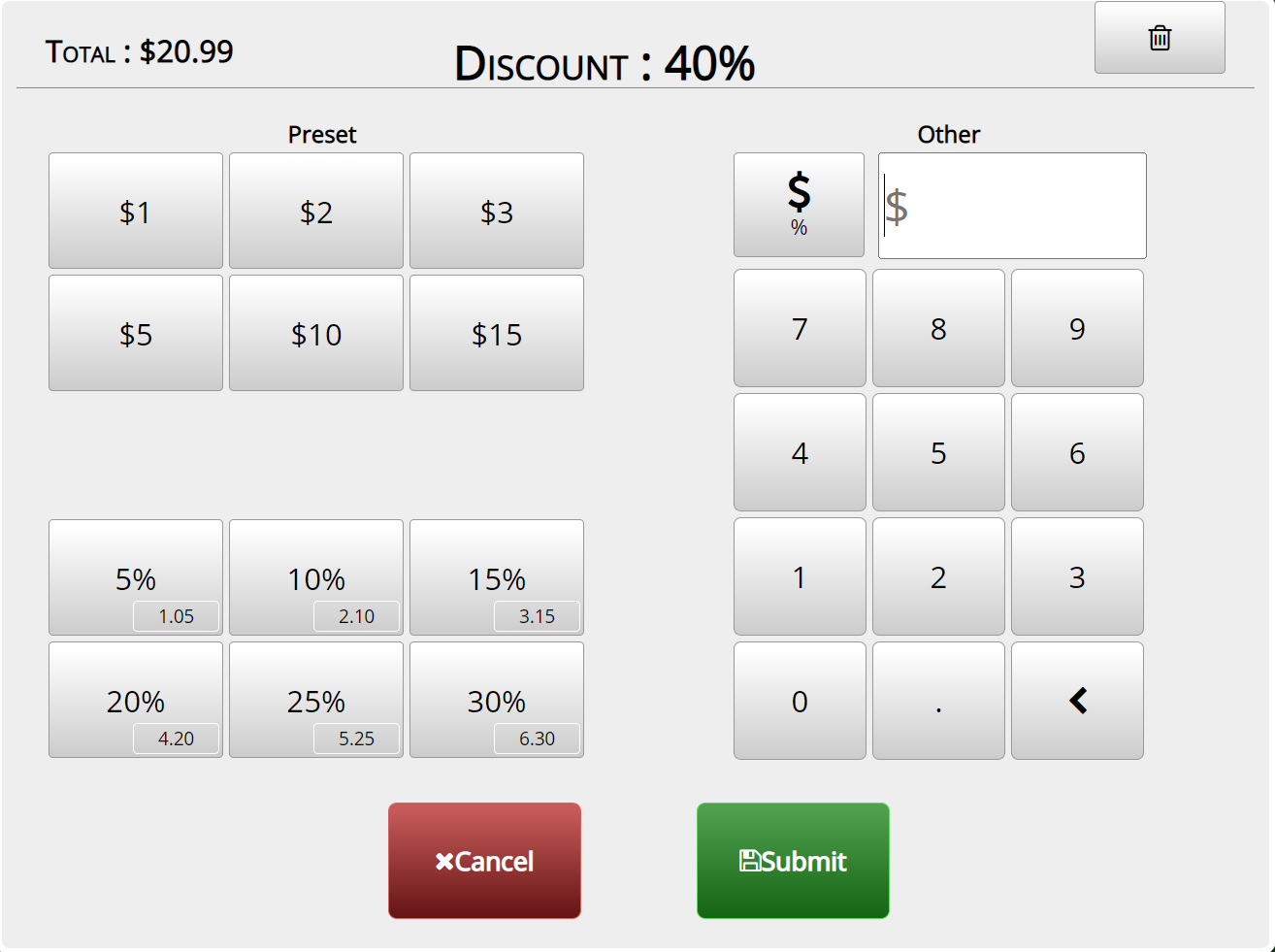
POS Basics- Discounts: Allows you to add a discount to the whole order
- Go to Orders->Select Order->Enter amount in $ or % ->Submit
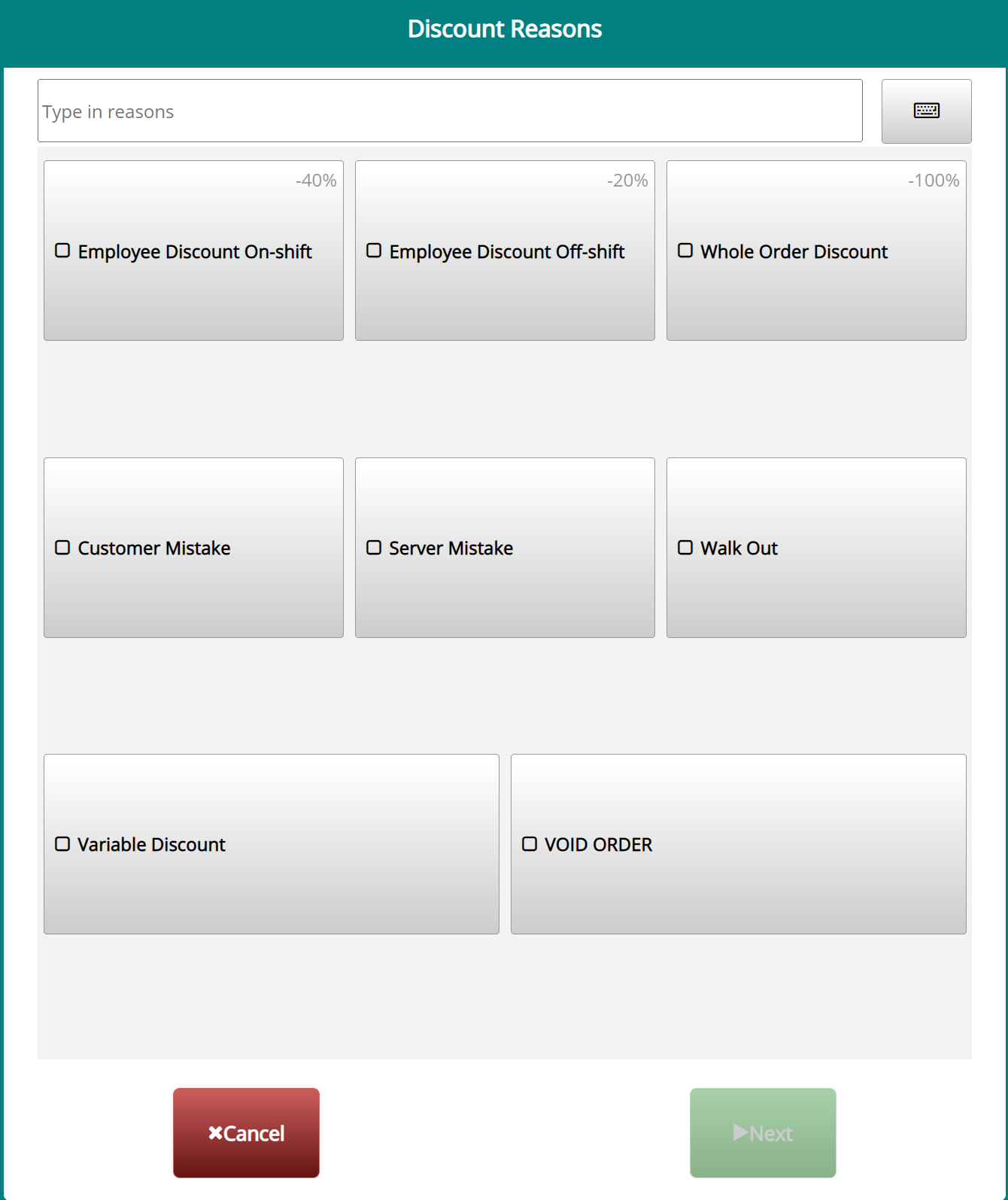
- Tools->Back Office->Advanced->System->General->Request Reasons
Still need a hand?
Our 24/7 support team can walk you through it.
Call (888) 355-6996