
Scale Setup
Hardware & Network- Scale: Can be used to weigh items in the POS
- Currently we can only integrate with Torrey or CAS scales
- Scales are only functional on Windows OS
- Installing Program:
- Go to kwickpos.com/download and download CAS SCALE->Once its been downloaded->Extract the file
- Open the downloaded file->Edit the config file->At the top should be the COM# and lb(pound) underneath->You can delete the rest of the file
- You will need to find out what COM # it is->Go to Device Manager and open Ports->Find out which one it is by reading the name or disconnecting the cable->Once you have found out the COM#->Go back to the config file->Add it->Save
- Adding to Startup:
- Create a shortcut for the application and add a copy to the Desktop & Startup folder
- To find the Startup Folder->Press Windows logo + r ->Type shell:startup
- It will open the Startup folder->Add the shortcut->Right click the app shortcut->Go to Properties->Change Run to minimized->Apply the changes
- How to Use:
- Open the application and let it run in the background for it to work
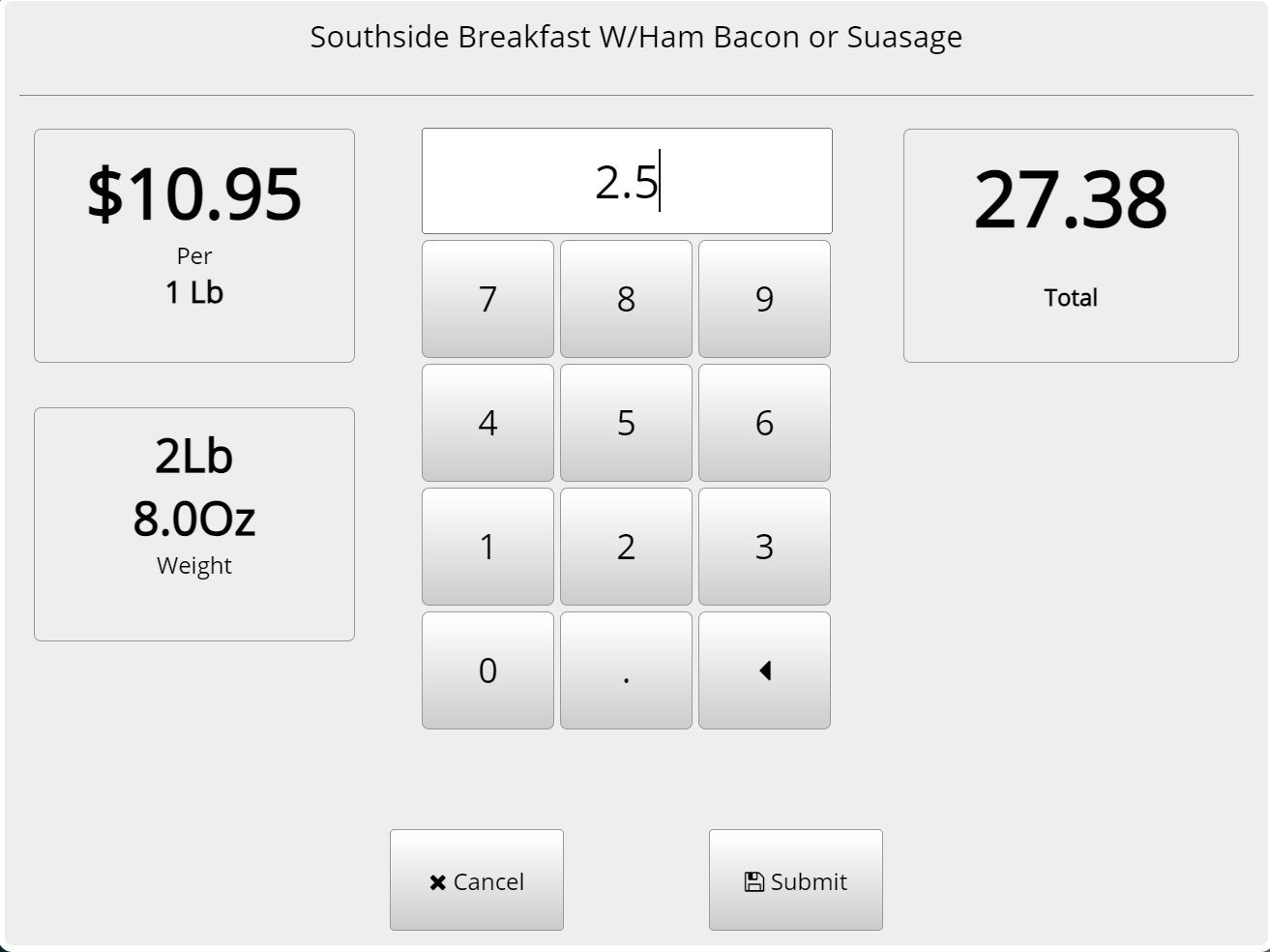
- Open the POS and it will display the amount shown on the scale
Still need a hand?
Our 24/7 support team can walk you through it.
Call (888) 355-6996