
Menu Sync
Menu & Items- To open Menu Sync:
- Go to Kwickpos.com
- Sign In (Username, Password)
- Select Site name
- Select Menu Sync
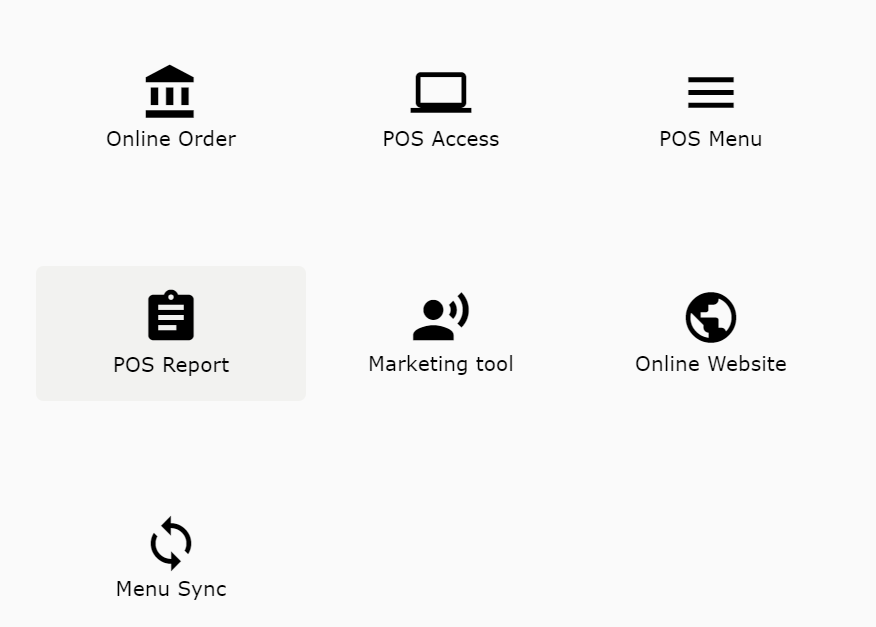
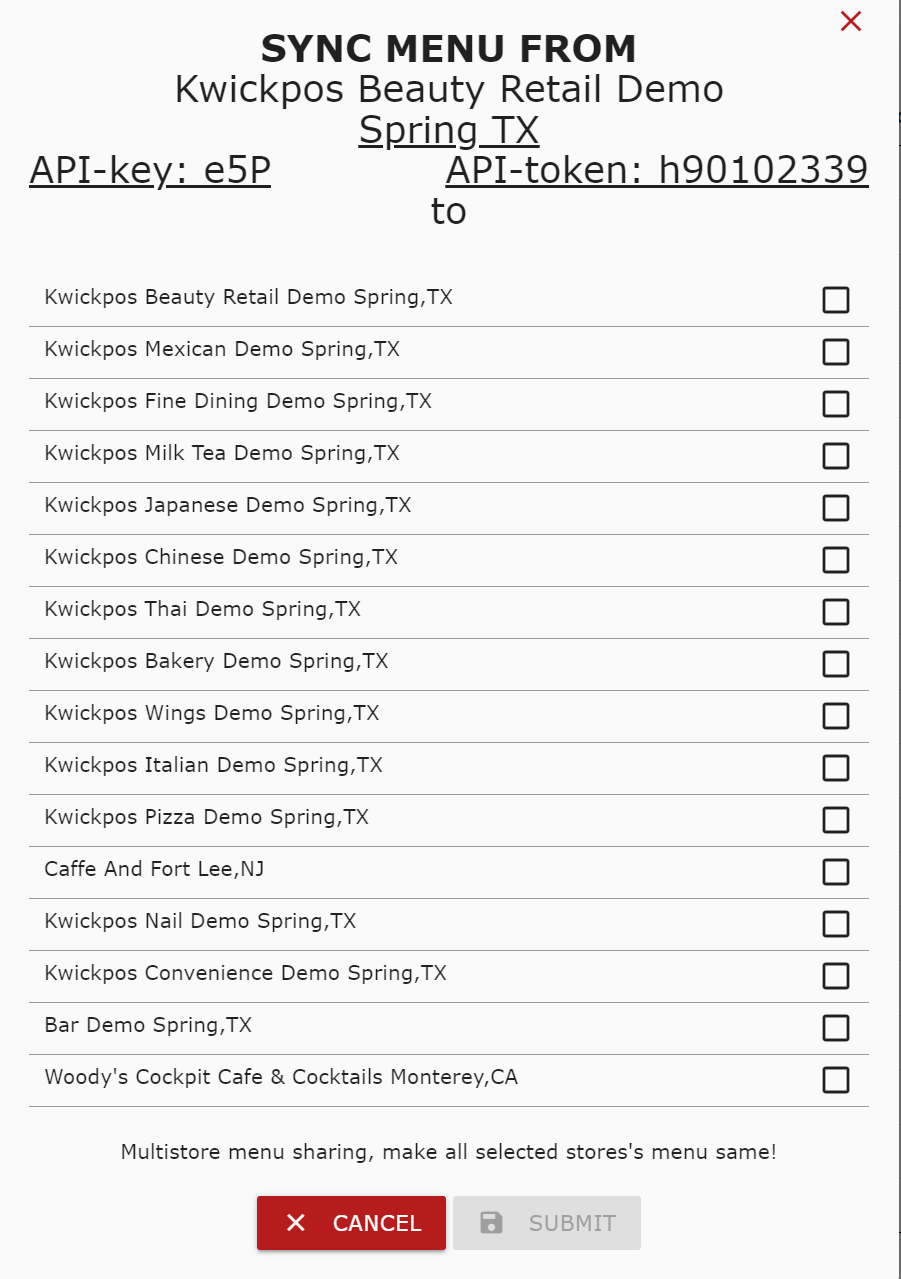
Menu Sync: Allows you to make all selected store’s menu the same
Still need a hand?
Our 24/7 support team can walk you through it.
Call (888) 355-6996