
Marketing Tool
Online Ordering & Marketing- To open Marketing Tool:
- Go to Kwickpos.com
- Sign In (Username, Password)
- Select Site name
- Select Marketing Tool
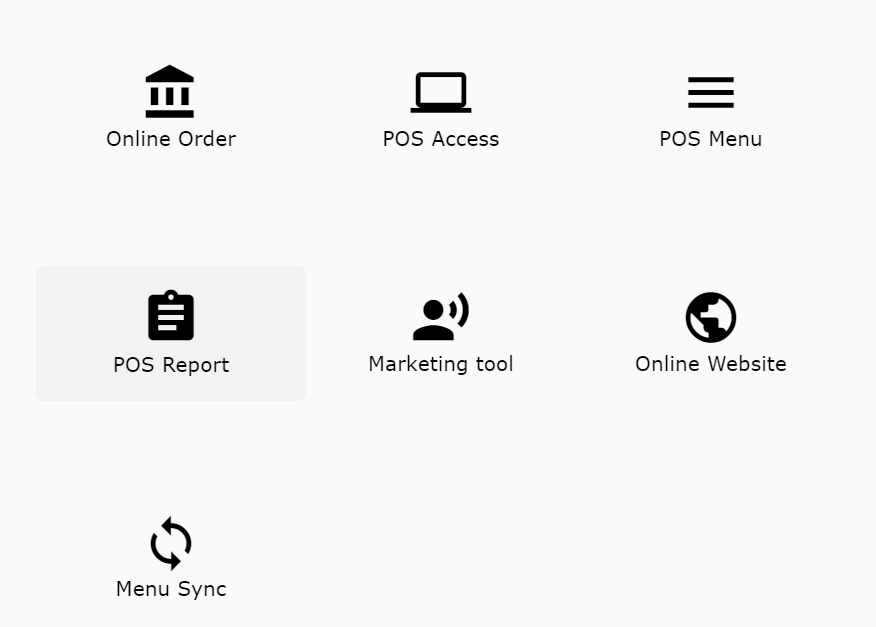
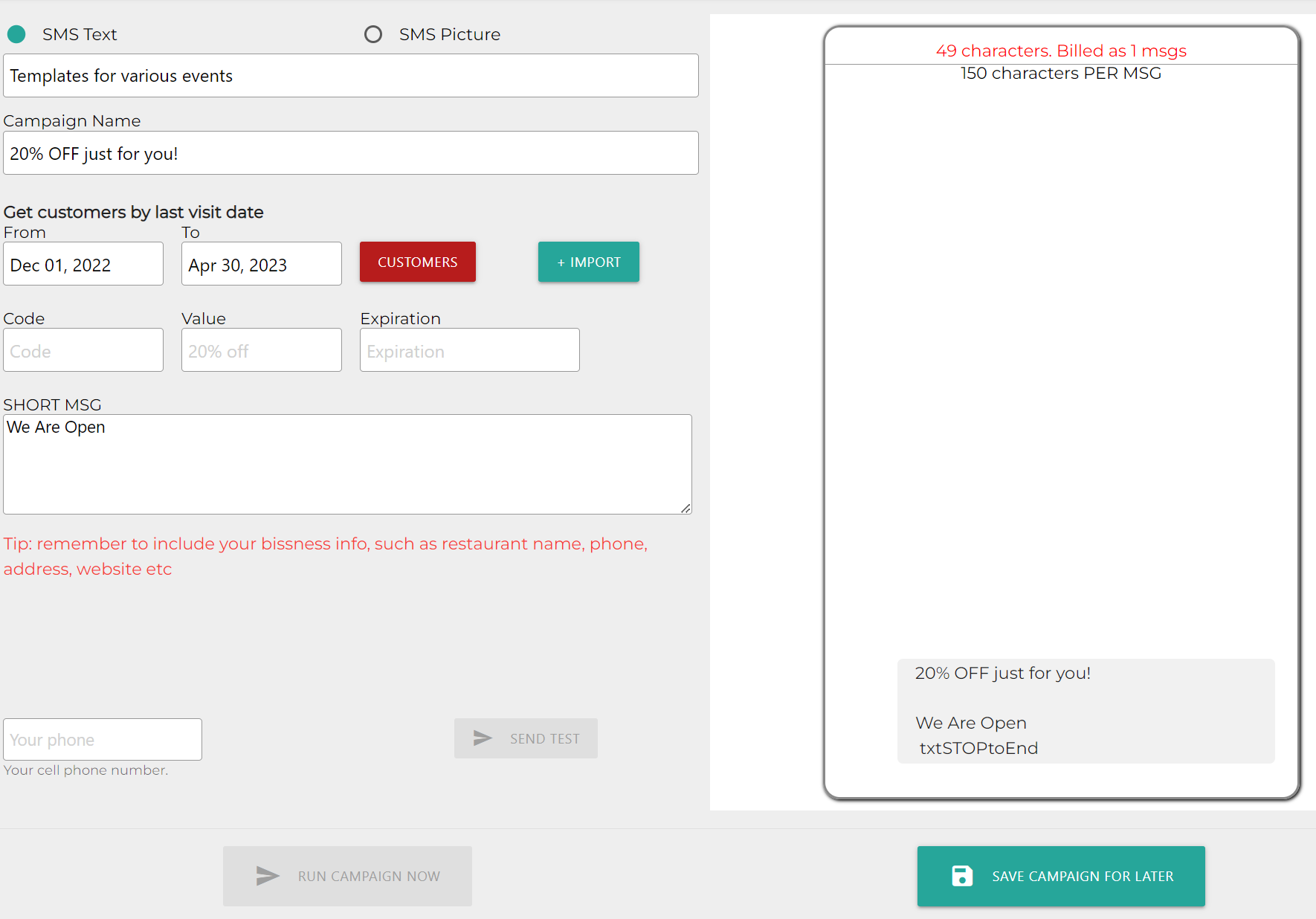
- Marketing Tool: Allows you to send out campaigns to customers
- Add New Campaign: Start a new SMS Text or Email Campaign
- Templates: Allows you to choose preset templates like holidays
- Campaign Name
- Customers: Choose customers by last visit date
- Import: Allows you to import customer’s phone numbers
- Code: Code used for discounts
- Value: Value of the discount code
- Expiration: Date the code expires
- Short MSG: Allows you to write a message for campaign. Limited to 150 characters
- Phone Number: Allows you to send a test campaign to your phone
- Send Test
- Run Campaign Now
- Save Campaign For Later
Still need a hand?
Our 24/7 support team can walk you through it.
Call (888) 355-6996